Analyze help
antiBSmachine processes user-initiated and AI analysis for content.
User Analyze
Signed-in users can create their own analysis on antiBSmachine, review the results, and share them.
1. Edit Mode
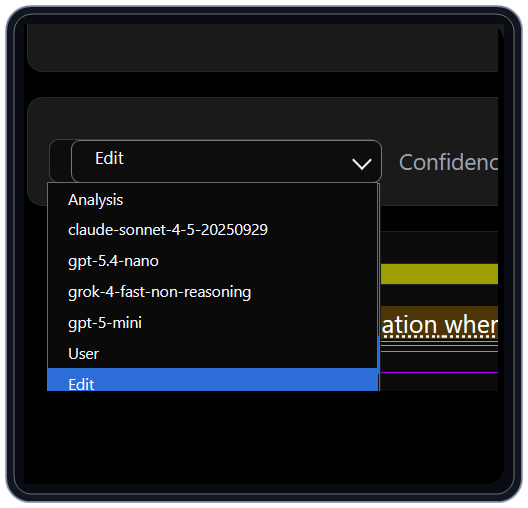
From the Analysis page, change the Analysis menu to Edit. That puts the page into Edit Mode.
2. Select text
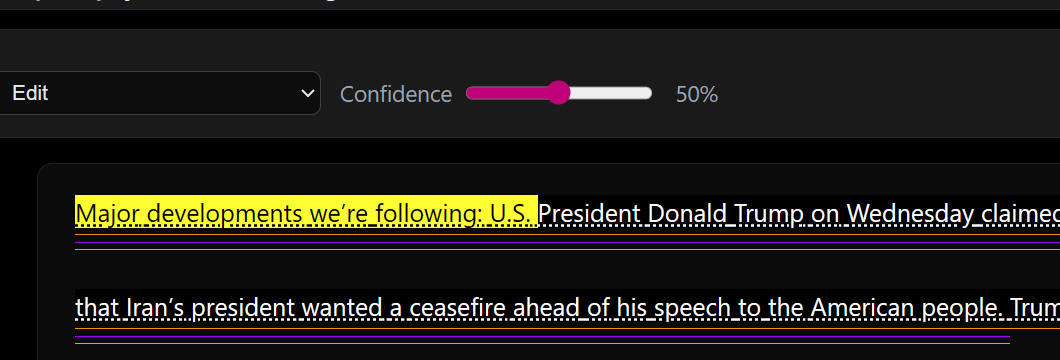
In edit mode, click or tap on sentences that you want to associate. Selected text is highlighted so you can see exactly which passage you are working on.
3. Toggle reasoning items
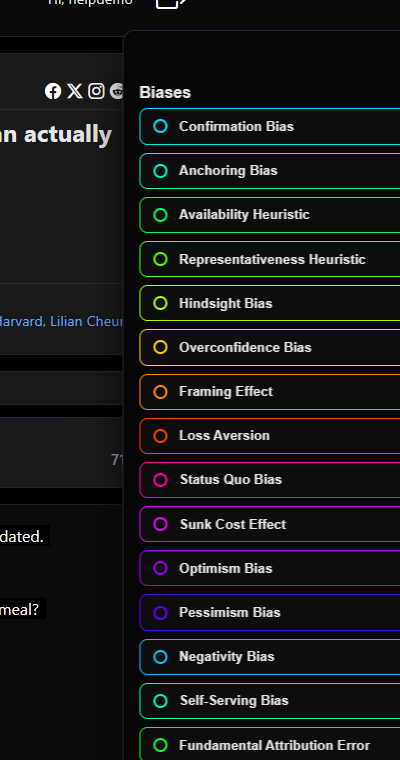
Use the reasoning list to add or remove patterns from the selected text. The right panel stays visible so you can assign the active reasoning items while reading the article.
4. Add explanation
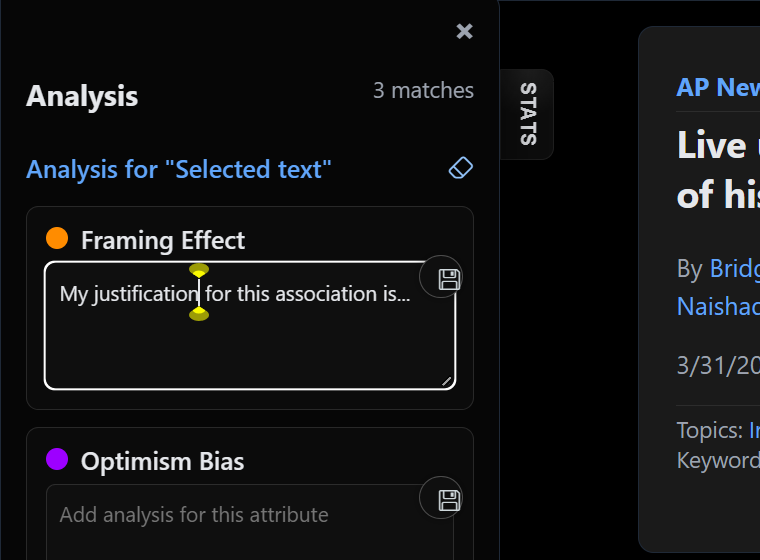
Write your detailed explanation for each association in the left Analysis pane. The text area keeps the spaces and line breaks you type, so you can draft formatted notes before saving.
5. Clear and repeat
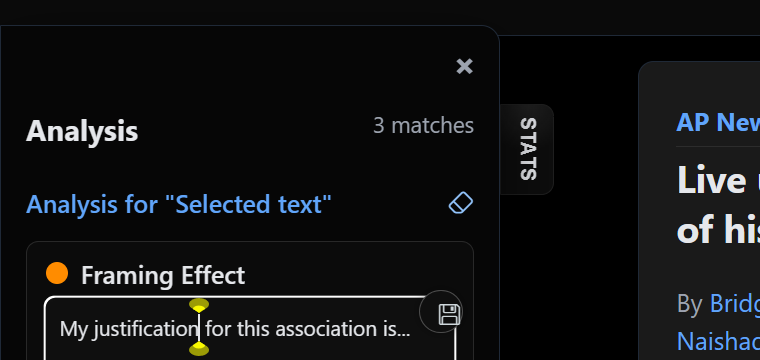
Click the eraser icon to clear your selections.
6. View and share

You can view your saved analysis by selecting it from the Analysis menu. You can share your analysis via the Share links.